> ## Documentation Index
> Fetch the complete documentation index at: https://developers.sendazi.com/llms.txt
> Use this file to discover all available pages before exploring further.
# Welcome to Sendazi
> Powerful SMS and Voice campaign management platform
 ## What is Sendazi?
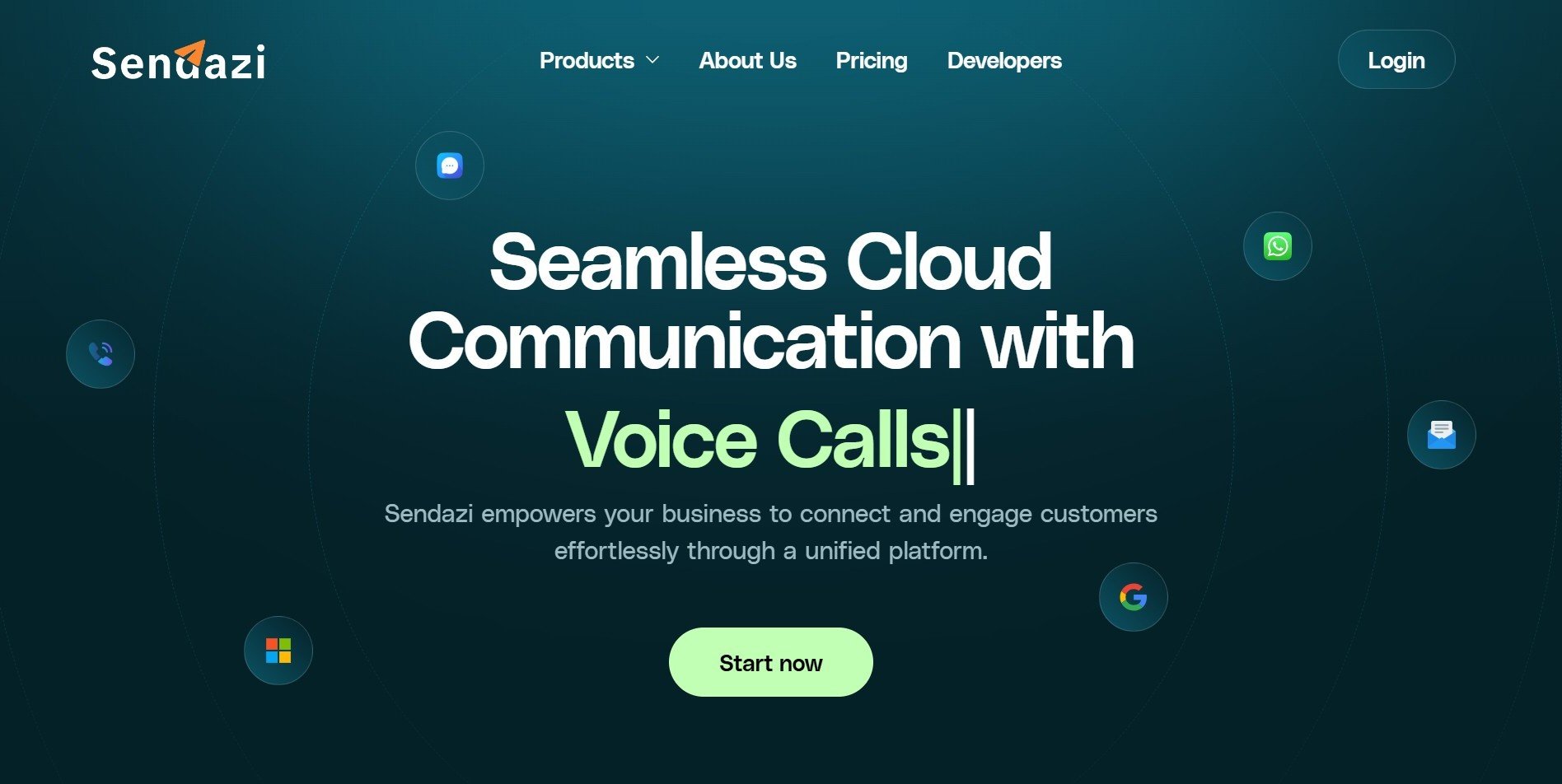
Sendazi is a comprehensive messaging platform that enables businesses to create, manage, and track SMS and Voice campaigns at scale. Whether you're sending transactional messages, marketing campaigns, or automated notifications, Sendazi provides the tools you need to reach your audience effectively.
## Key Features
Create and send bulk SMS campaigns with scheduling, recurring options, and detailed analytics.
Reach your audience with automated voice broadcasts and interactive voice campaigns.
Organize your contacts into groups and manage your audience with ease.
Create reusable templates with dynamic placeholders for personalized messaging.
## Getting Started
Sign up for a Sendazi account at [sendazi.com](https://sendazi.com) and verify your email address.
Navigate to **Settings > API Keys** in your dashboard to generate your first API key.
Request approval for your sender ID to start sending messages with your brand name.
Use our API or dashboard to create and send your first SMS or Voice campaign.
## Quick Links
Get up and running in 5 minutes
Explore our REST API documentation
Contact our support team
## What is Sendazi?
Sendazi is a comprehensive messaging platform that enables businesses to create, manage, and track SMS and Voice campaigns at scale. Whether you're sending transactional messages, marketing campaigns, or automated notifications, Sendazi provides the tools you need to reach your audience effectively.
## Key Features
Create and send bulk SMS campaigns with scheduling, recurring options, and detailed analytics.
Reach your audience with automated voice broadcasts and interactive voice campaigns.
Organize your contacts into groups and manage your audience with ease.
Create reusable templates with dynamic placeholders for personalized messaging.
## Getting Started
Sign up for a Sendazi account at [sendazi.com](https://sendazi.com) and verify your email address.
Navigate to **Settings > API Keys** in your dashboard to generate your first API key.
Request approval for your sender ID to start sending messages with your brand name.
Use our API or dashboard to create and send your first SMS or Voice campaign.
## Quick Links
Get up and running in 5 minutes
Explore our REST API documentation
Contact our support team